LocalLAN
ThroughputFree
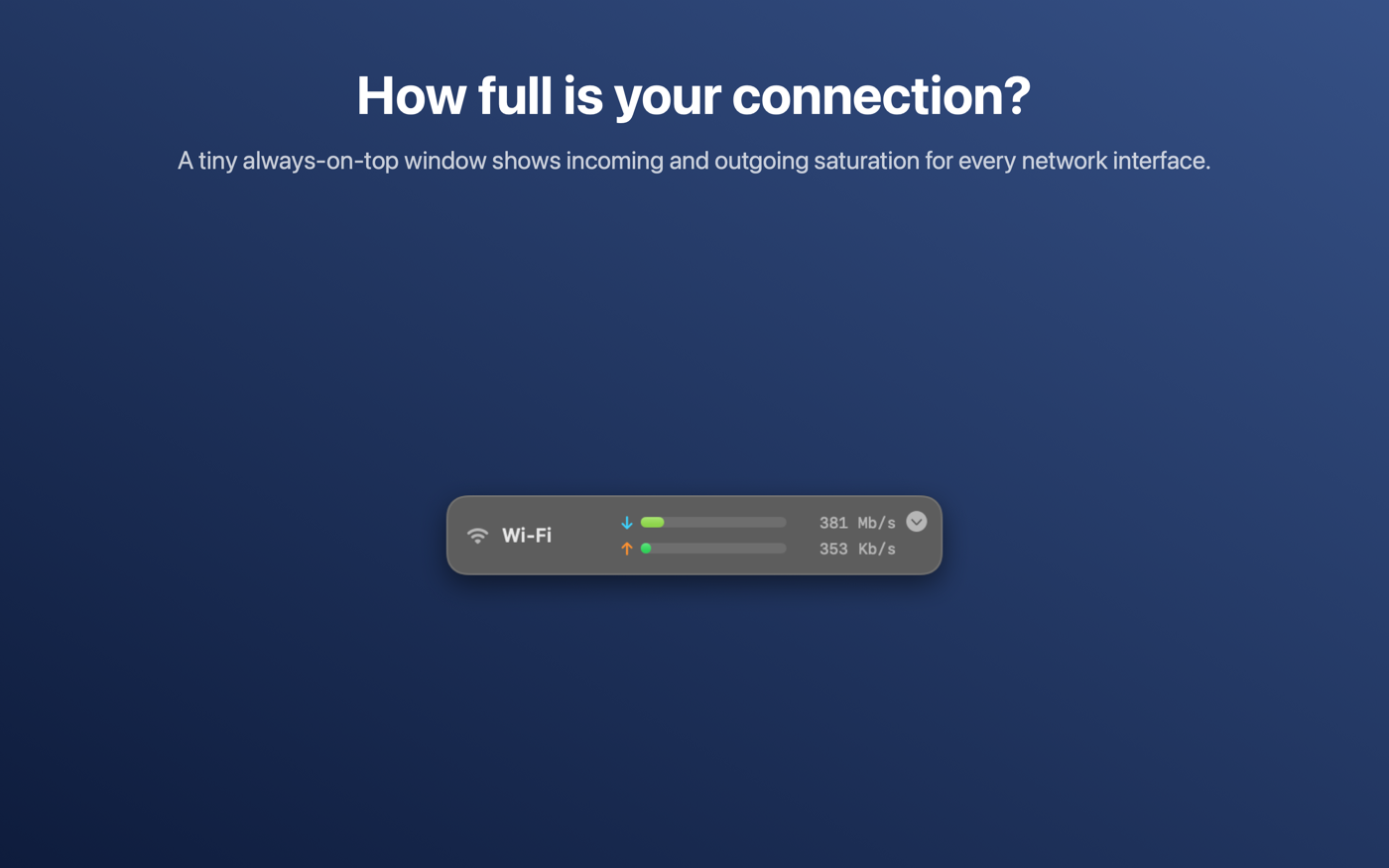
How full is your connection? A tiny window that floats above everything and shows how saturated each network interface is, incoming and outgoing.
Throughput is a free companion to LocalLAN. Where LocalLAN tells you what is on your network, Throughput shows you, at a glance, how hard your own Mac is using it.
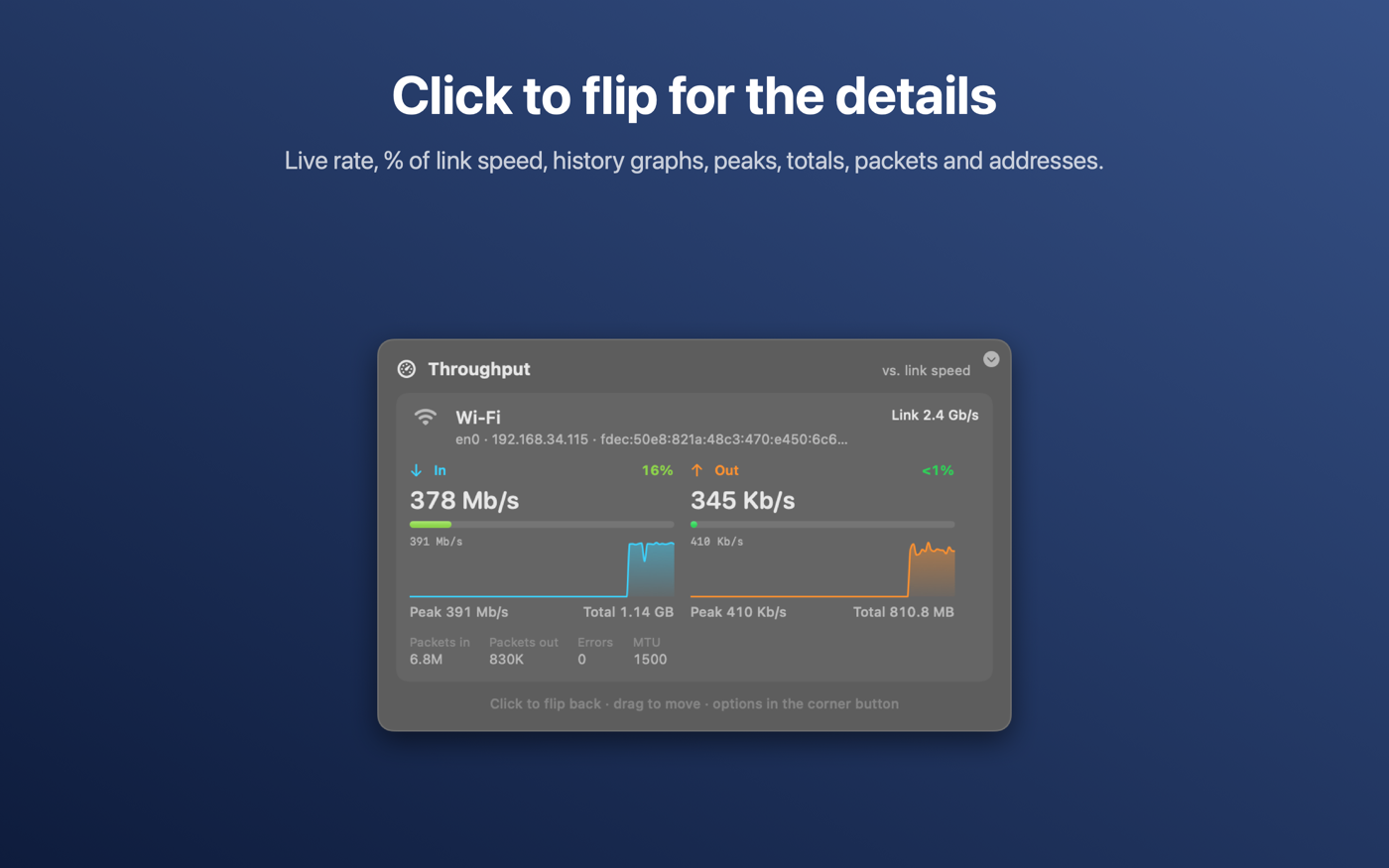
Every active connection (Wi-Fi, Ethernet, Thunderbolt or VPN) gets an incoming and an outgoing gauge that goes from green to yellow to red as the link fills up. Saturation is measured against the link's own speed, or against its recent peak for VPNs and links that don't report a speed. Click the window and it flips over to live graphs, peaks, totals, packet counts and addresses.
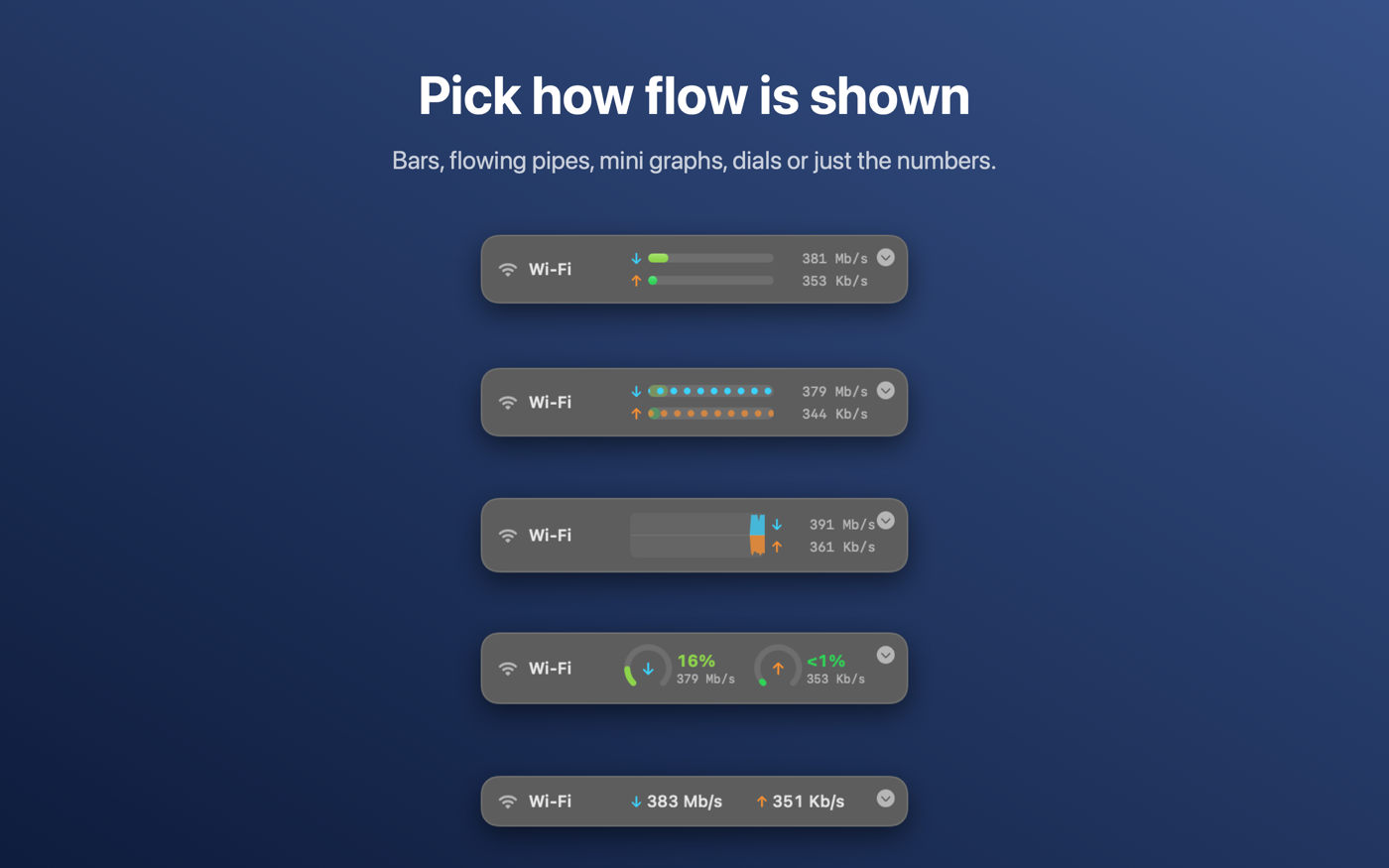
It stays on top on every desktop and in full-screen apps, remembers where you put it, and has no Dock icon. Pick how flow is shown: bars, flowing pipes that speed up with traffic, mini graphs, dials, or just the numbers.
Throughput collects nothing. Everything it measures stays on your Mac. See the privacy policy.
Coming soon to the Mac App Store. Requires macOS 15 or later.